Axiomtrade: First-Buy Fee Checklist
Axiom is a web trading platform with a Solana token-buy interface. For a first market buy, confirm the token and SOL purchase amount, then distinguish the platform's percentage fee from separate SOL priority fees and any validator tip. Review the MEV mode before submission.
Token and Spend Checks
- Identify the intended token by its contract address. Axiom accepts ticker or contract-address searches; its token view also shows market capitalization, volume, and liquidity-pool information. A familiar ticker alone does not confirm token identity.
- Check the purchase unit. In Axiom's documented Solana market-buy flow, the amount entered is SOL to spend on the token.
- Allow for transaction costs alongside the purchase amount. Check the selected priority fee and any validator tip before committing the available SOL to the buy.
- Pause before selecting Buy if the token, amount, or execution settings do not match your intention. The Buy control submits the market order.
Platform Fees and Cashback
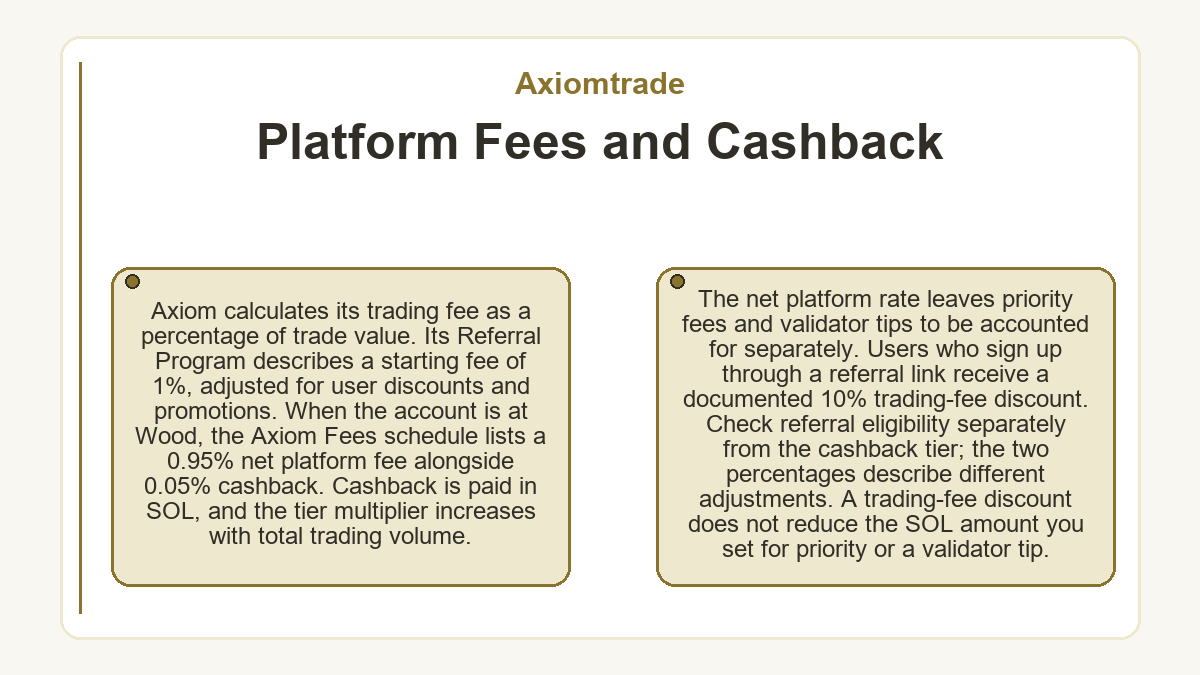
Axiom calculates its trading fee as a percentage of trade value. Its Referral Program describes a starting fee of 1%, adjusted for user discounts and promotions.
When the account is at Wood, the Axiom Fees schedule lists a 0.95% net platform fee alongside 0.05% cashback. Cashback is paid in SOL, and the tier multiplier increases with total trading volume. The net platform rate leaves priority fees and validator tips to be accounted for separately.
Users who sign up through a referral link receive a documented 10% trading-fee discount. Check referral eligibility separately from the cashback tier; the two percentages describe different adjustments. A trading-fee discount does not reduce the SOL amount you set for priority or a validator tip.
SOL Execution Settings
- Priority Fee (PRIO)
- An extra payment to validators increases the likelihood of faster confirmation. Axiom's Solana Fees guide lists a default of 0.001 SOL. Paying more does not establish a guaranteed confirmation time.
- Validator Tip (Bribe)
- An additional validator incentive is configured separately from PRIO. The guide lists a default of 0.001 SOL and describes the bribe as optional.
- Slippage Limit
- A percentage tolerance controls acceptable price movement while the transaction awaits confirmation. It is distinct from the SOL amounts paid for priority and a validator tip.
Axiom calculates recommended priority-fee and bribe amounts using current transaction activity. A documented default is not a live recommendation for every trade, so check the selected values before submission.
MEV Protection Choices
Axiom's Market guide instructs buyers using MEV protection to set the protection bribe above the displayed minimum. The hand-and-coin icon shows that minimum; the documented Bribe default alone does not establish whether this condition is met.
| MEV Mode | Protection and Timing Conditions |
|---|---|
| Off | No MEV protection; transactions remain exposed to front-running. |
| Reduced | Submits through Jito, but rogue validators can still leave transactions exposed to MEV. |
| Secure | Waits for a whitelisted validator to be available, which may slow execution. |
Axiom's Solana Fees guide recommends Secure mode whenever possible. MEV protection concerns transaction ordering; market-price movement can still affect the purchase.
Axiomtrade: the short answers
-
Where Can I Review the Position After a Market Buy?
- Axiom's token view shows SOL bought, SOL sold, SOL held, and the position's gain or loss. These are position totals; keep the purchase amount and the separate platform and execution costs distinct when reviewing the trade.